Organization examples offer real solutions for anyone overwhelmed by clutter, chaos, or a packed schedule. Whether someone struggles with a messy closet, a chaotic desktop, or a calendar that feels impossible to manage, practical organization strategies can transform daily life.
Good organization saves time, reduces stress, and creates space for what matters most. This article breaks down organization examples across four key areas: home, workspace, digital tools, and time management. Each section provides actionable ideas that readers can apply immediately. The goal is simple, bring order to life in ways that actually stick.
Table of Contents
ToggleKey Takeaways
- Organization examples across home, workspace, digital tools, and time management can transform daily routines and reduce stress.
- Kitchen and closet organization relies on clear zones, visibility, and designated spots for every item.
- A clutter-free desk with proper cable management and a simple filing system boosts workplace productivity.
- Digital organization—including folder hierarchies, consistent file naming, and inbox management—saves hours each week.
- Time blocking and task management apps turn overwhelming to-do lists into actionable, scheduled priorities.
- A weekly review habit keeps schedules on track and prevents important tasks from slipping through the cracks.
Home Organization Examples
Home organization starts with systems that reduce visual clutter and make daily routines easier. These organization examples work for any living space, from small apartments to large houses.
Kitchen Organization
The kitchen benefits from clear zones. Store cooking utensils near the stove. Keep plates and glasses close to the dishwasher for easy unloading. Use drawer dividers to separate silverware, and install shelf risers in cabinets to double storage space.
A labeled pantry makes meal prep faster. Group items by category, grains, canned goods, snacks, and baking supplies. Clear containers let everyone see what’s available and what needs restocking.
Closet Organization
Closets work best when items have designated spots. Hang clothes by category: work shirts together, casual wear in another section, and jackets at the end. Use slim velvet hangers to maximize rod space.
Shelf dividers keep folded sweaters from toppling. Shoe racks or over-the-door organizers free up floor space. The key organization example here is visibility, if someone can’t see an item, they won’t wear it.
Living Room and Common Areas
Baskets and bins hide toys, blankets, and remote controls. A small tray on the coffee table corrals coasters, candles, and small decor. Furniture with built-in storage, like ottomans with compartments, pulls double duty.
A designated drop zone near the entryway catches keys, mail, and bags. This single organization example prevents the “Where are my keys?” panic every morning.
Workspace Organization Examples
Workspace organization directly affects productivity. A cluttered desk drains focus. These organization examples help create an efficient work environment.
Desk Setup
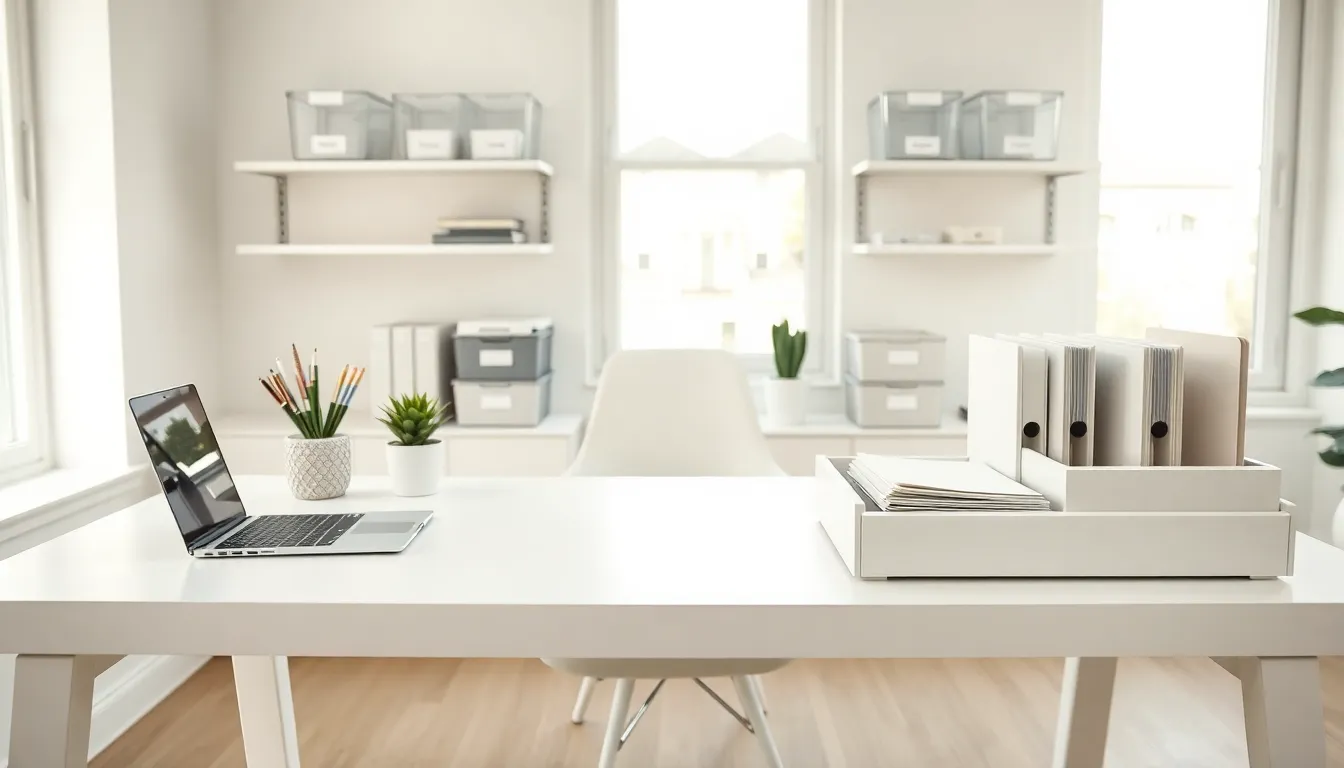
A clear desk surface improves concentration. Keep only essential items within arm’s reach: computer, notebook, pen cup, and phone. Everything else goes in drawers or shelves.
Cable management matters more than people realize. Velcro ties or cable boxes prevent tangled cords under the desk. A charging station keeps devices powered without creating wire chaos.
Paper and Document Systems
Paper piles grow fast without a filing system. A simple three-tier approach works well: inbox for new items, action folder for tasks in progress, and archive for completed documents. Weekly reviews prevent buildup.
For those who prefer minimal paper, scanning documents immediately after receipt keeps physical clutter low. Label folders with specific names rather than vague categories like “Miscellaneous.”
Supply Organization
Office supplies scattered across a desk create visual noise. Small drawer organizers separate paper clips, sticky notes, and pens. A supply drawer should have designated compartments, when someone finishes with an item, it returns to the same spot.
For shared workspaces, labeled bins ensure everyone knows where supplies belong. This organization example reduces time spent searching and keeps the space functional for all users.
Digital Organization Examples
Digital organization often gets overlooked, but disorganized files and overflowing inboxes waste hours each week. These organization examples bring structure to digital life.
Email Management
A cluttered inbox causes stress and missed messages. The folder system works: create categories like “Action Required,” “Waiting On,” “Reference,” and “Archive.” Process emails once, respond, delegate, file, or delete immediately.
Unsubscribe from newsletters no one reads. Set specific times to check email rather than responding to every notification. This organization example alone can reclaim significant focus time.
File and Folder Structure
A logical folder hierarchy prevents the endless search for documents. Start with broad categories: Work, Personal, Finance, and Projects. Nest subfolders underneath with clear names.
Consistent file naming saves time. Include dates in a standard format (YYYY-MM-DD) at the start of file names for easy sorting. “2025-01-15_Budget_Report” beats “Budget stuff final v2.”
Cloud Storage and Backups
Cloud storage like Google Drive, Dropbox, or OneDrive keeps files accessible across devices. Mirror the same folder structure across platforms to avoid confusion.
Automatic backups protect important files. Schedule weekly backups to an external drive or cloud service. This organization example provides peace of mind, nothing critical gets lost to a crashed hard drive.
Time and Schedule Organization Examples
Time organization determines how much someone accomplishes each day. Without structure, hours slip away. These organization examples help people take control of their schedules.
Calendar Blocking
Time blocking assigns specific hours to specific tasks. Rather than a vague to-do list, calendar blocking creates dedicated slots: 9-11 AM for deep work, 11-12 PM for emails, 1-3 PM for meetings. The schedule protects focused time from interruptions.
Color coding adds clarity. Work tasks in blue, personal appointments in green, and exercise in orange, at a glance, anyone can see how their week looks.
Task Management Systems
Task management apps like Todoist, Asana, or a simple paper planner keep responsibilities organized. The best system is the one someone actually uses consistently.
Break large projects into smaller steps. “Finish report” feels overwhelming. “Write introduction,” “gather data,” and “create charts” feel manageable. This organization example turns big goals into daily actions.
Weekly Reviews
A weekly review prevents tasks from slipping through the cracks. Every Sunday or Friday, review the past week and plan the next. What got done? What needs to carry over? What deadlines are coming?
This 20-minute habit keeps schedules on track. It also creates space to adjust priorities before the week starts, rather than reacting to crises daily.